OpenAI Details Codex Sandbox Permission Design: How the Three Platforms Restrict File and Network Access
OpenAI publishes a technical deep dive dissecting the Codex sandbox permission model and low-level implementation on macOS, Linux, and Windows
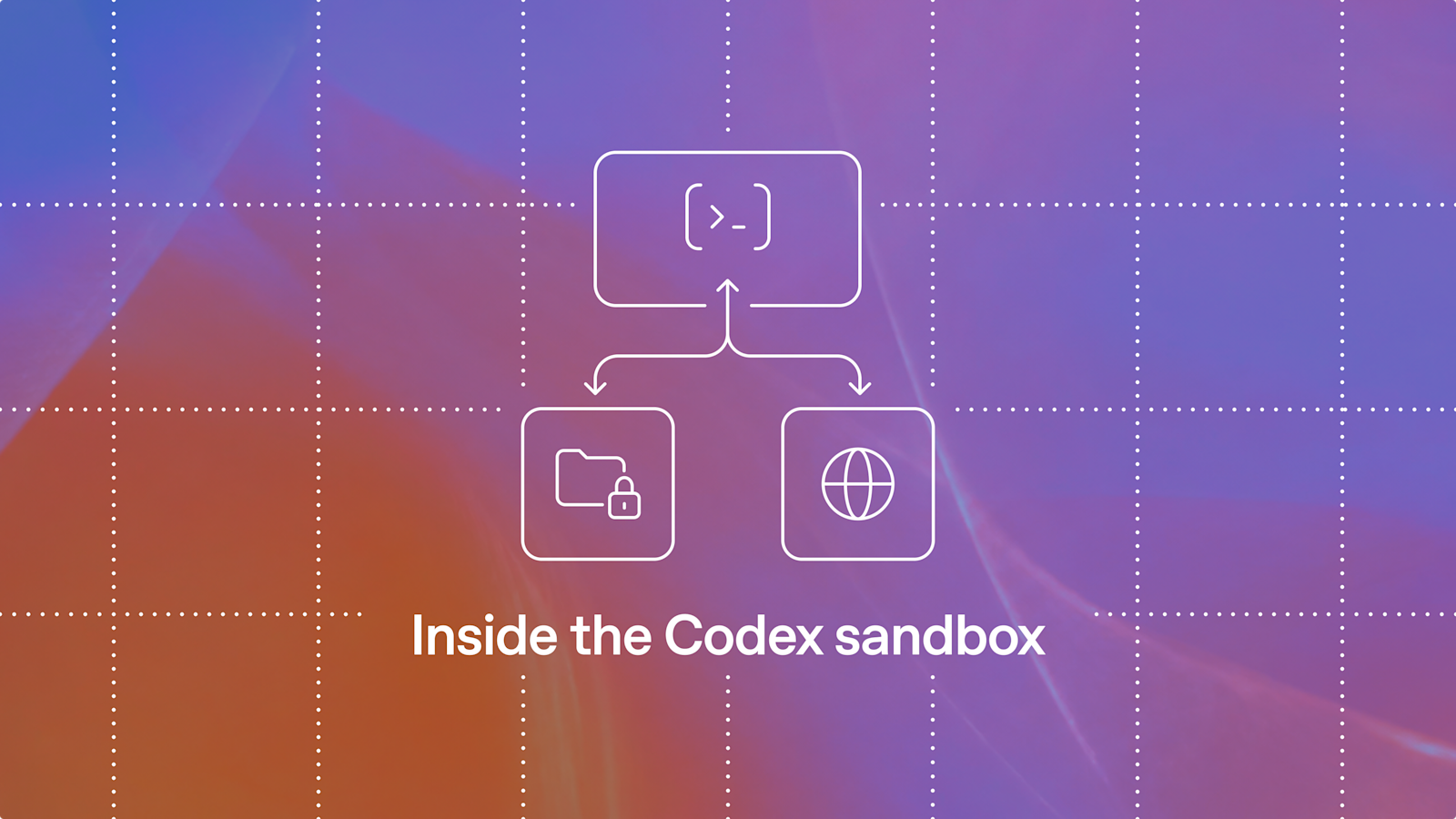
Table of Contents (3)
Key Takeaways (TL;DR)
- 01OpenAI discloses Codex sandbox default permissions: workspace writes allowed, broad file reads permitted, but network access disabled by default
- 02Codex does not take the VM or container route; instead it invokes each platform's native sandboxing facilities to constrain commands in the user's existing environment
- 03The sandbox is exposed to the harness through a unified API; child processes inherit parent constraints, and permissions are decided by the harness rather than the model
OpenAI has published a technical deep dive systematically breaking down the Codex sandbox's permission design and three-platform implementation. Rather than using virtual machines or container isolation, Codex leverages each operating system's native sandboxing mechanisms to restrict command filesystem and network access within the user's existing environment, executing through a unified API on macOS, Linux, and Windows.
Default Permission Trade-offs: Workspace Writable, Reads Open, Network Off
In the post, OpenAI explains that the Codex sandbox's design philosophy is to set conservative defaults for the sandbox while still supporting meaningful work. Take the built-in :workspace permission profile: when a Git repository serves as the workspace root, this profile allows writes within the workspace but keeps directories such as .git and .codex read-only, so Codex need not request permission for every change while preventing direct modification of .codex/config.toml or Git hooks under .git/hooks.
At the read level, the profile allows broad filesystem reads, bounded by the user's existing operating system permissions. OpenAI explains that compilers, runtimes, and build tools depend on SDKs, libraries, and configuration outside the repository; restricting reads to the workspace would break many routine workflows. The trade-off is that sensitive files elsewhere on the machine may also remain readable, such as configuration files containing API keys. Network access is disabled by default to block direct data uploads to external services and also to block legitimate operations requiring additional authorization, such as downloading dependencies.
OpenAI notes that these restrictions can prevent a large class of undesirable behaviors, but harmful actions can still occur, so the company adopts a defense-in-depth strategy: the sandbox limits what commands can access, while training and alignment help the model use those access permissions in line with user intent.
- The :workspace profile allows workspace writes while keeping .git and .codex directories read-only
- File reads are opened up to the extent of the user's operating system permissions to remain compatible with build toolchains
- Network access is disabled by default, blocking both data exfiltration and dependency downloads
Residual Risk Beyond the Sandbox
OpenAI offers a concrete example in the post to illustrate the sandbox's boundaries: an AI agent could inject malicious code into a locally installed package, such as node_modules/prettier. Because node_modules is typically ignored by Git, such changes may not appear in git status. If the user's editor runs that copy of Prettier on save, merely saving a file could execute malicious code outside the Codex sandbox. This is precisely why OpenAI emphasizes defense in depth.
Not the Container Route: Invoking OS Sandboxes in the User's Existing Environment
OpenAI states that virtual machines and containers are two common sandboxing mechanisms, but the Codex sandbox takes a different path. It does not move computation to a separate environment to provide isolation; instead, it uses each platform's own sandboxing facilities to constrain commands running in the user's existing environment. For many developers, the laptop itself is a customized development environment that can be modified at any time; reproducing that environment in a Docker container requires extra work, and some workflows still depend on tools running on the host machine.
The post uses developing an iOS app with Codex on a Mac as an example: if Codex were placed in Docker to run, Codex would be unable to run the iOS build toolchain composed of native Mac executables, nor could it launch the iPhone simulator to run code. Docker-based workflows can delegate builds and simulator operations to the Mac host, but those operations would execute outside the container sandbox and require separate restrictions. OpenAI therefore chose to invest heavily in operating-system-level sandboxing mechanisms, allowing Codex to run in the environment best suited to the task at hand.
The API accepts a command and a permission profile; if the permission profile allows limited network access, the caller must provide a network proxy to enforce those restrictions.
- The Codex sandbox does not use VM or container isolation; instead it constrains commands in the user's existing environment
- Docker-based approaches struggle to cover host dependencies such as the iOS build toolchain and the iPhone simulator
- The harness exposes each platform's sandboxing mechanisms through a unified API across macOS, Windows, and Linux
Unified API and Process Tree Inheritance
OpenAI explains that this function launches a process in the sandbox and returns a Child handle for the harness to wait on. Every child process inherits the parent's sandbox constraints, so these restrictions apply to the entire process tree spawned by the command, including descendants that survive after the original process exits. The post includes a diagram showing how the pieces fit together from configuration to running a sandboxed command.
How the Harness Executes Sandboxed Commands
OpenAI previously explained in "Unrolling the Codex Agent Loop" that the Codex harness is responsible for executing tool calls generated by the model. For coding tasks, the most commonly used tool is the shell tool, which runs commands in a manner similar to how users operate in an interactive shell such as Bash. The post uses the one-shot exec_command shell tool as an example to show how the harness uses the sandbox to achieve the intended protection.
In a simplified version without sandboxing enabled, the tool call would launch the process directly via subprocess.Popen(). With sandboxing enabled, the harness replaces this call with spawn_command_under_sandbox(), passing in the permission profile and, when needed, a network proxy. The exec_command tool also allows the model to request different permissions for a single command, but the harness ultimately decides whether to approve; when the model specifies use_default, the harness uses the default sandbox configuration for that turn.
OpenAI emphasizes that the sandbox limits what commands can access, while training and alignment help the model use those access permissions in line with user intent; together they form defense in depth.
- Sandboxed execution replaces direct child process launches with spawn_command_under_sandbox()
- The model can request permission adjustments for a single command, but approval rests with the harness
- use_default means using the default sandbox configuration for that turn
Reusability for Enterprises and Developers
The post also notes that end users and enterprises can adjust sandbox permissions to their needs, and developers can reuse this sandbox in their own tools. OpenAI recommends consulting the Codex security handbook for guidance on tuning and combining permissions in enterprise environments. The article then examines how these restrictions are enforced in practice on macOS, Linux, and Windows.
Impact
Industry Impact & Strategic Takeaways
For the Asia-Pacific AI industry, OpenAI's disclosure of the Codex sandbox permission model and three-platform implementation provides teams building coding AI agents with a reference approach to constrained execution: replacing container isolation with native operating system mechanisms, balancing local toolchain compatibility with security boundaries. Enterprise users evaluating AI agent deployments can also use this to understand the trade-offs of default permissions and residual risks, and thereby design their own permission configurations and defense-in-depth combinations.
Frequently Asked Questions
How does the Codex sandbox differ from a Docker container sandbox?
+
The Codex sandbox does not move computation to a separate environment; instead, it invokes the native sandboxing facilities of macOS, Linux, and Windows respectively to constrain command filesystem and network access within the user's existing environment, thereby preserving support for host dependencies such as local toolchains and simulators.
What operations does the Codex sandbox allow and forbid by default?
+
Take the built-in :workspace profile: it allows writes within the workspace (except for the .git and .codex directories), allows broad file reads bounded by operating system permissions, but disables network access by default to block data exfiltration and dependency downloads.
Can the model elevate permissions for a command on its own?
+
The exec_command tool allows the model to request different permissions for a single command, but the harness decides whether to approve; when the model specifies use_default, the harness uses the default sandbox configuration for that turn.
Primary Source & Attribution
OpenAI:官网动态(RSS · 排除企业/客户案例)
Inside the Codex sandbox
Related Deep Dives
Kazik Breaks Down the Claude, GPT, and Gemini Multi-Model Orchestration: Divide Work by Personality, Not a Single Version of the Answer
72 pts · 6 min read

Kazik Publishes Two Prompts: Auditing Projects Against UX Principles and Unifying Motion Language
67 pts · 5 min read
OpenAI Unveils Performance Factory: How Codex Agents Automatically Triage 17 Performance Regressions a Day
65 pts · 6 min read
Figma Specs and the Figma Agent Workflow: Turning Scattered Context into a Deliverable Development Plan
61 pts · 6 min read