Google Launches Tool Retrieval Preview in Gemini API: On-Demand Tool Schema Loading Solves Agent Scaling Challenges
Developers can use the tool_search and defer_loading flags in the Interactions API to let models load only the tool parameters needed for the current task, reducing input tokens and maintaining tool selection accuracy.

Table of Contents (3)
- 01How Tool Retrieval Works: Letting Models 'Know What's Available' Without 'Loading Everything'
- 02Dual Server-Side and Client-Side Modes: No Need to Build Your Own Index, and Support for Your Own Tool Registry
- 03Pricing and Model Support: No Additional Fees, Billed at Standard Token Rates
- Industry Impact & Strategic Takeaways
- Frequently Asked Questions
Key Takeaways (TL;DR)
- 01Google launched the Tool Retrieval preview in the Gemini API's Interactions API, enabling on-demand loading of tool schemas via the tool_search tool and defer_loading flag.
- 02The feature aims to solve the problems of input token bloat, increased latency, and declining tool selection accuracy when agents connect to dozens or hundreds of tools.
- 03Tool Retrieval has no separate charge and is billed at standard token rates; it supports Gemini 3.6 and later models (including all Gemini 4 models) and is compatible with remote MCP servers.
On November 19, 2026, Google launched the Tool Retrieval preview in the Gemini API's Interactions API. This mechanism allows agents to retain a complete tool library but load tool parameter schemas only when needed, thereby reducing input tokens, lowering latency, and maintaining selection accuracy as the number of tools scales. The feature supports server-side and client-side retrieval, is compatible with remote MCP servers, and incurs no additional cost.
How Tool Retrieval Works: Letting Models 'Know What's Available' Without 'Loading Everything'
When an agent connects to dozens or even hundreds of tools, sending the full parameter schema with every request quickly inflates input token counts, increases latency, and degrades tool selection accuracy as the candidate list grows. Google's new Tool Retrieval directly addresses this pain point: developers simply add the tool_search tool to the request and set defer_loading: true for tools they want to defer. The model can still see the 'name' and 'description' of each deferred tool, so it knows the range of available tools, but the parameter schema does not enter the context.
When the model determines it needs a tool, it requests it by name, the API loads the full schema on the server side, and the model then issues a function call—all within the same request. Google Product Manager Lucia Loher and DeepMind Research Scientist Nora Kassner wrote in a blog post that this design lets agents 'keep the full tool library on standby and load parameter schemas only when the current task requires them.'
"The model can still see the name and description of each deferred tool, so it knows what's available, but the parameter schema stays out of context." — Google Official Blog
- How to enable: Add {"type": "tool_search"} to the request and set "defer_loading": true for the target tools.
- The model can still see the names and descriptions of deferred tools, but parameter schemas stay out of context until explicitly requested.
- The entire search, load, and call process completes within a single API call and is recorded in interaction.steps for easy debugging.
Debugging and Observability: interaction.steps Records the Full Decision Chain
Tool Retrieval exposes every step of tool search in interaction.steps, including tool_search_call (the tool name requested by the model), tool_search_result (the schema returned by the API), and the final function_call. Developers can clearly inspect which tools the model considered, allowing them to tune tool names or descriptions. This transparency is crucial for operating large-scale tool libraries, as it transforms 'black-box' tool selection into an auditable sequence of steps.
Dual Server-Side and Client-Side Modes: No Need to Build Your Own Index, and Support for Your Own Tool Registry
Tool Retrieval runs on the server side by default, so developers don't need to build or host any index. Gemini performs the search on the server, and code changes are limited to adding the tool_search tool and the defer_loading flag. Developers can keep the most frequently used tools loaded up front while deferring long-tail tools. Additionally, the feature works well with prefix caching: deferred schemas do not appear at the beginning of the prompt, and schemas loaded by the model are added later in the conversation, so the cached prefix remains unchanged across turns.
For teams maintaining their own tool registries, embedding indexes, or filtering by user permissions, Tool Retrieval also offers a client-side retrieval mode. Developers declare tool_search with "execution": "client" and define search parameters, and the application performs the lookup itself. Client-side retrieval adds one round trip per search, but tools do not need to be declared in advance, so new tools can be exposed mid-conversation—for example, when a user connects a new integration.
"There is no index to build or host. Gemini runs the search on the server side, so the only code change is the new tool and the defer_loading flag."
- Server-side retrieval: Zero index hosting; just add the tool_search and defer_loading flags—suitable for most scenarios.
- Client-side retrieval: Set "execution": "client" and let the application perform the lookup, supporting dynamic exposure of new tools and permission filtering.
- Compatible with remote MCP servers: Set defer_loading: true for the mcp_server tool, and all tools exposed by that server are loaded on demand.
Remote MCP Servers: Plug-and-Play for Large-Scale Tool Libraries
Tool Retrieval works with remote MCP servers in the Gemini API. Developers simply set defer_loading: true for the mcp_server tool, and every tool exposed by that server is loaded on demand without listing them individually. This means that when connecting to a large MCP server, you don't have to carry all tool definitions in every request, significantly reducing integration costs and token overhead.
Pricing and Model Support: No Additional Fees, Billed at Standard Token Rates
Tool Retrieval has no separate charge. Input and output tokens are billed at the standard rates of the model being called. Enabling tool_search adds a small fixed block of input tokens, and each schema loaded by the model is billed as input tokens for the remainder of the conversation, just like pre-declared tools. Developers save tokens when the number of schemas never loaded exceeds the number of schemas loaded—which is typically the case for large tool libraries. Google recommends that developers measure based on their own traffic.
The feature is available for Gemini 3.6 and later models, including all Gemini 4 models, and is only available in the Interactions API. Developers can access the full setup guide and examples in the official documentation and join the Discord community to share feedback.
"You save tokens when the number of schemas never loaded exceeds the number of schemas loaded—which is typically the case for large tool libraries."
- No separate charge: Billed at standard input/output token rates; tool_search adds a small fixed block of input tokens.
- Loaded schemas are billed as input tokens for the remainder of the conversation, consistent with pre-declared tools.
- Supported models: Gemini 3.6 and later versions, including all Gemini 4 models, only in the Interactions API.
Practical Impact for Developers: A Paradigm Shift from 'Send Everything' to 'Retrieve on Demand'
Tool Retrieval shifts the paradigm of agent tool management from 'send everything with every request' to 'retrieve on demand.' For teams building complex agents, this means they can scale their tool libraries without sacrificing selection accuracy. Combined with prefix caching and MCP server support, the feature reduces the engineering complexity of large-scale tool orchestration, allowing developers to focus more on the quality and description optimization of the tools themselves.
Impact
Industry Impact & Strategic Takeaways
The launch of Tool Retrieval marks a key step for the Gemini API in the direction of agent scaling. For enterprise technology selection, the feature reduces the token costs and latency of large-scale tool libraries while improving debugging efficiency through observable search steps. Developers should evaluate the long-tail distribution of their tool libraries, keep high-frequency tools loaded and defer low-frequency tools, and combine prefix caching to optimize multi-turn conversation costs. This move may also prompt other model vendors to follow suit with on-demand tool loading mechanisms, further lowering the barrier to agent development.
Frequently Asked Questions
How is Tool Retrieval priced?
+
Tool Retrieval has no separate charge. Input and output tokens are billed at the standard rates of the model being called. Enabling tool_search adds a small fixed block of input tokens, and each schema loaded by the model is billed as input tokens for the remainder of the conversation, just like pre-declared tools.
Which models support Tool Retrieval?
+
Tool Retrieval is available for Gemini 3.6 and later models, including all Gemini 4 models, and is offered only as a preview in the Interactions API.
What is the difference between client-side and server-side retrieval?
+
Server-side retrieval has Gemini perform the search on the server, requiring no index hosting and minimal code changes; client-side retrieval has the developer's application perform the lookup, adding one round trip per search but supporting custom tool registries, embedding indexes, or filtering by user permissions, and allowing new tools to be dynamically exposed mid-conversation.
Primary Source & Attribution
Google Blog:AI(RSS)
Introducing Tool Retrieval in the Gemini API
Related Deep Dives

Gemini 4 Neon Lands on OpenRouter: Tops Coding Agent Rankings, 32% Cheaper Per Task Than Carbon
72 pts · 5 min read
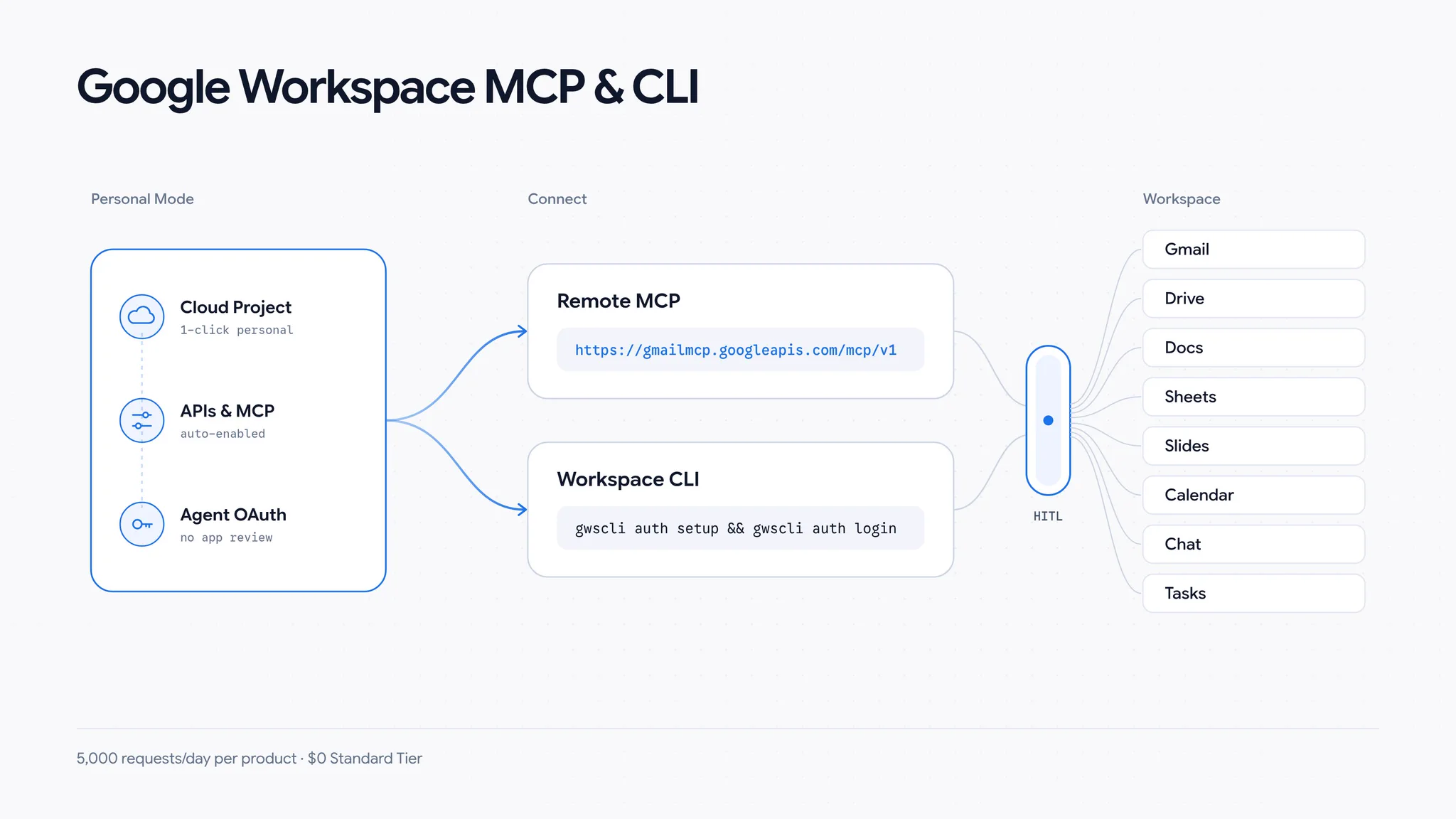
Google Workspace MCP servers and gwscli reach GA, Personal mode enables one-click setup with no credit card required
73 pts · 5 min read

Gemini for Mac Launches Computer Use: Agent Can Execute Tasks Across Apps While Users Retain Control
71 pts · 5 min read
Google Looks Back on a Decade of Duplex: Gemini Tasks Launches Automated Calls to Businesses This Week
67 pts · 6 min read